Pre-acceptance inspection
Accelerate your OPR and secure handover with Augmented Reality.
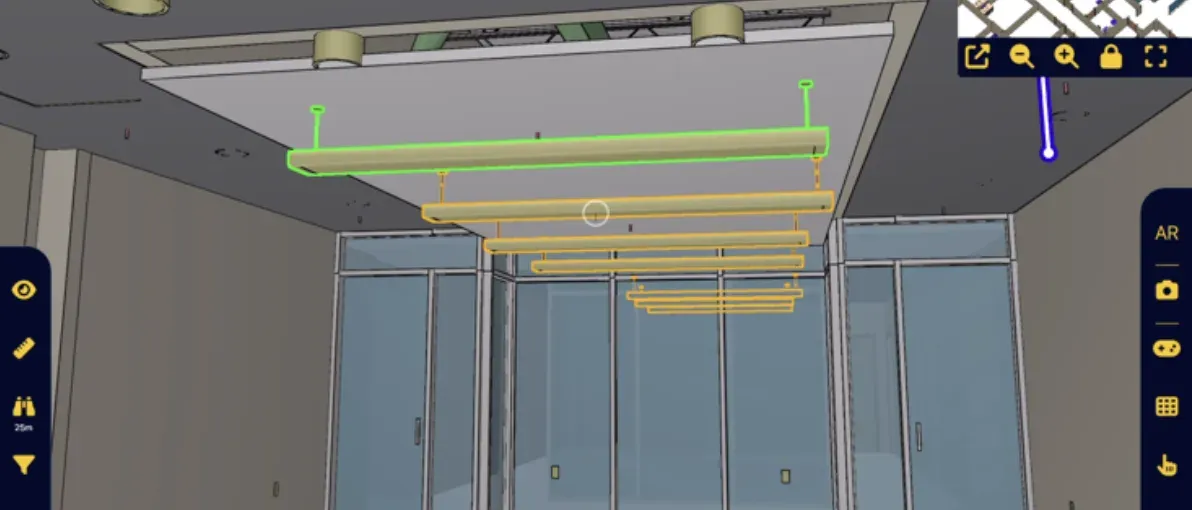
With the NEXT-BIM Augmented Reality solution, the BIM model overlaid onto reality becomes the central tool for OPR. Issues are visible, measured and located in real time, without re-entry or interpretation.
Time savings
Defects and missing elements are immediately visible on site through the overlay of the model onto reality, without paper drawings. Inspection is accelerated. 90% time savings on your inspection time.
Meeting deadlines
Discrepancies are detected before handover, not urgently at the end of the project. The model/reality overlay allows corrections to be anticipated and avoids heavy last-minute rework. Approximately -50% late issues.
Reliability of issues
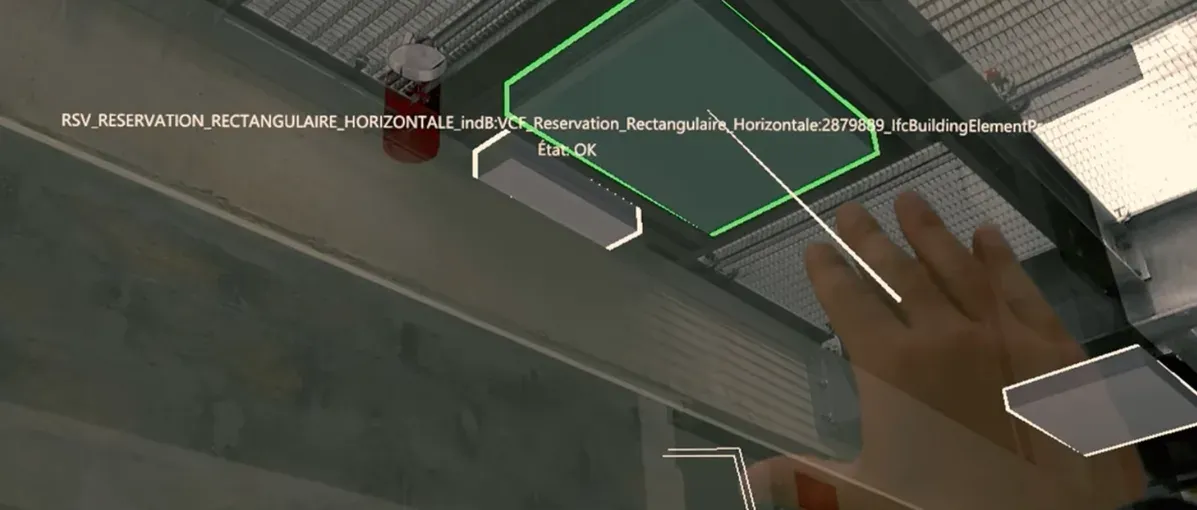
Each issue is linked to a BIM object and illustrated with an Augmented Reality view, directly comparing the real site situation to the 3D model — undeniable visual proof for all stakeholders.
Smooth handover process
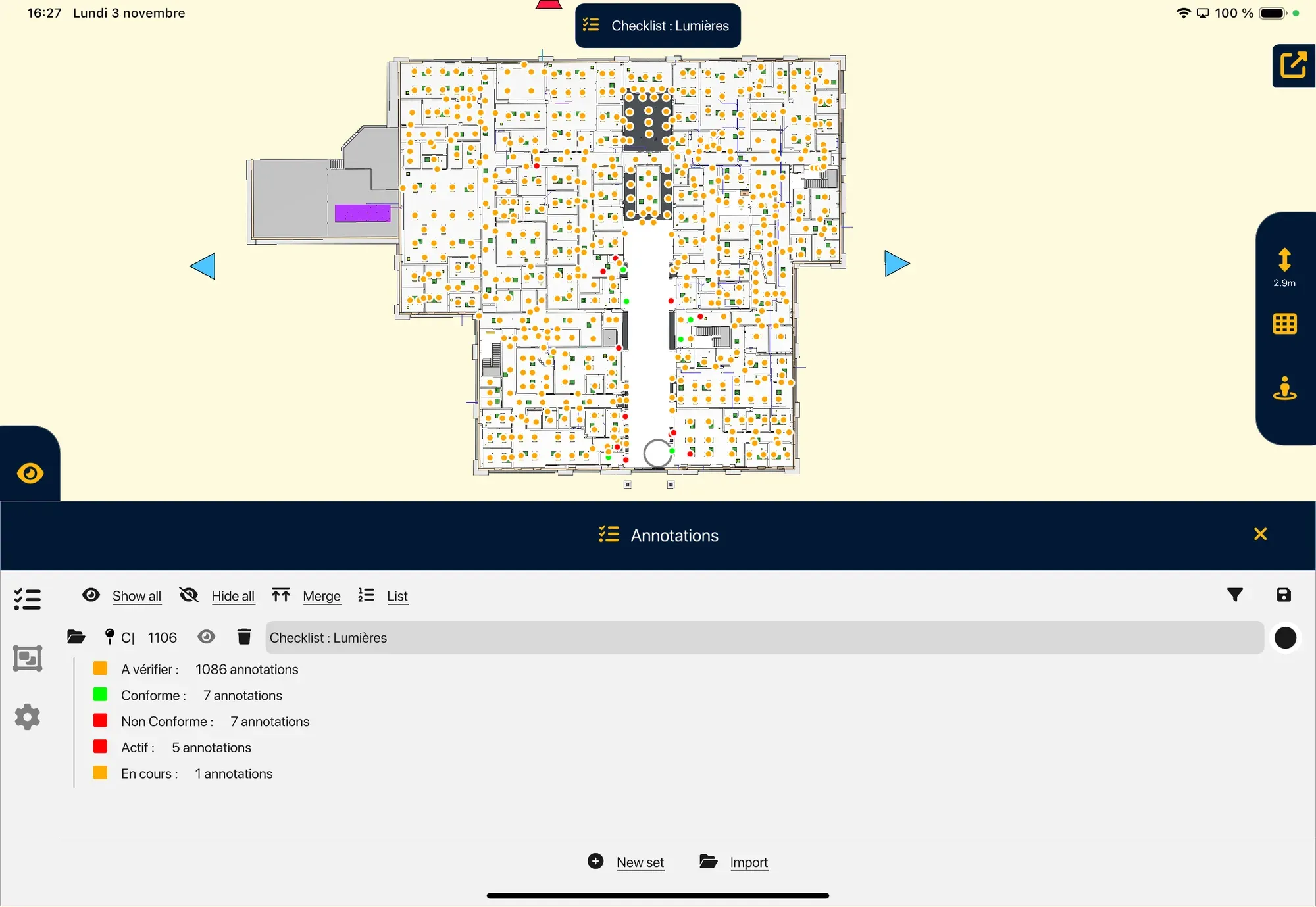
Issues are recorded progressively in Augmented Reality. Issue resolution is precisely tracked without loss of information. A controlled and smooth handover, with a significantly reduced risk of disputes.
Why perform your OPR using Augmented Reality?
Pre-Handover Operations (OPR) mark the final stage before delivering a project. They aim to verify site compliance, identify discrepancies and formalize issues. Traditionally, these inspections are long and manual. With drawings or isolated photos, comparing the model and reality becomes an interpretation exercise. OPR fails when information is incomplete, delayed or contestable.
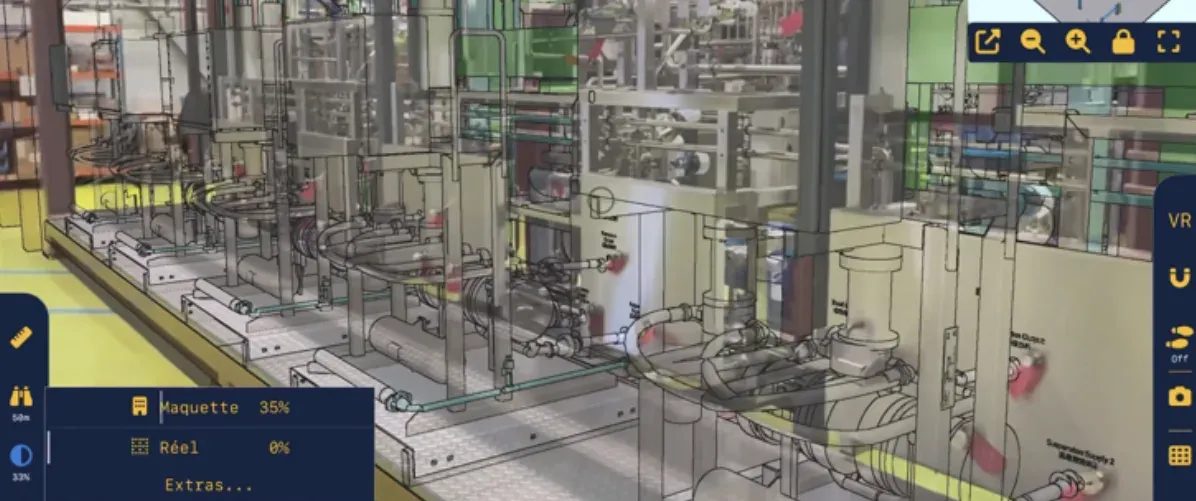
With NEXT-BIM, Augmented Reality removes this ambiguity. The model is overlaid onto reality, at 1:1 scale, directly on site. Issues immediately stand out, are documented instantly and integrated into a usable deliverable. OPR becomes visual and collaborative. Each issue is created directly within the model, with photo, measurement and comment, then exported automatically (Word, Excel, BCF).
With NEXT-BIM, OPR becomes a digital and precise process, ensuring a handover without surprises.
Design phase

On site
Quality control, digital as-built documentation
Maintenance phase
Secure the quality of plans for maintenance

How does it work?
OPR inspection workflow with NEXT-BIM
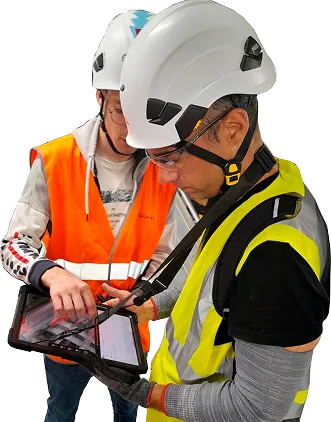
NEXT-BIM enables a smooth Augmented Reality inspection without complex preparation. Here are the key steps of the process:
Step 1 – Overlay the 3D model onto reality
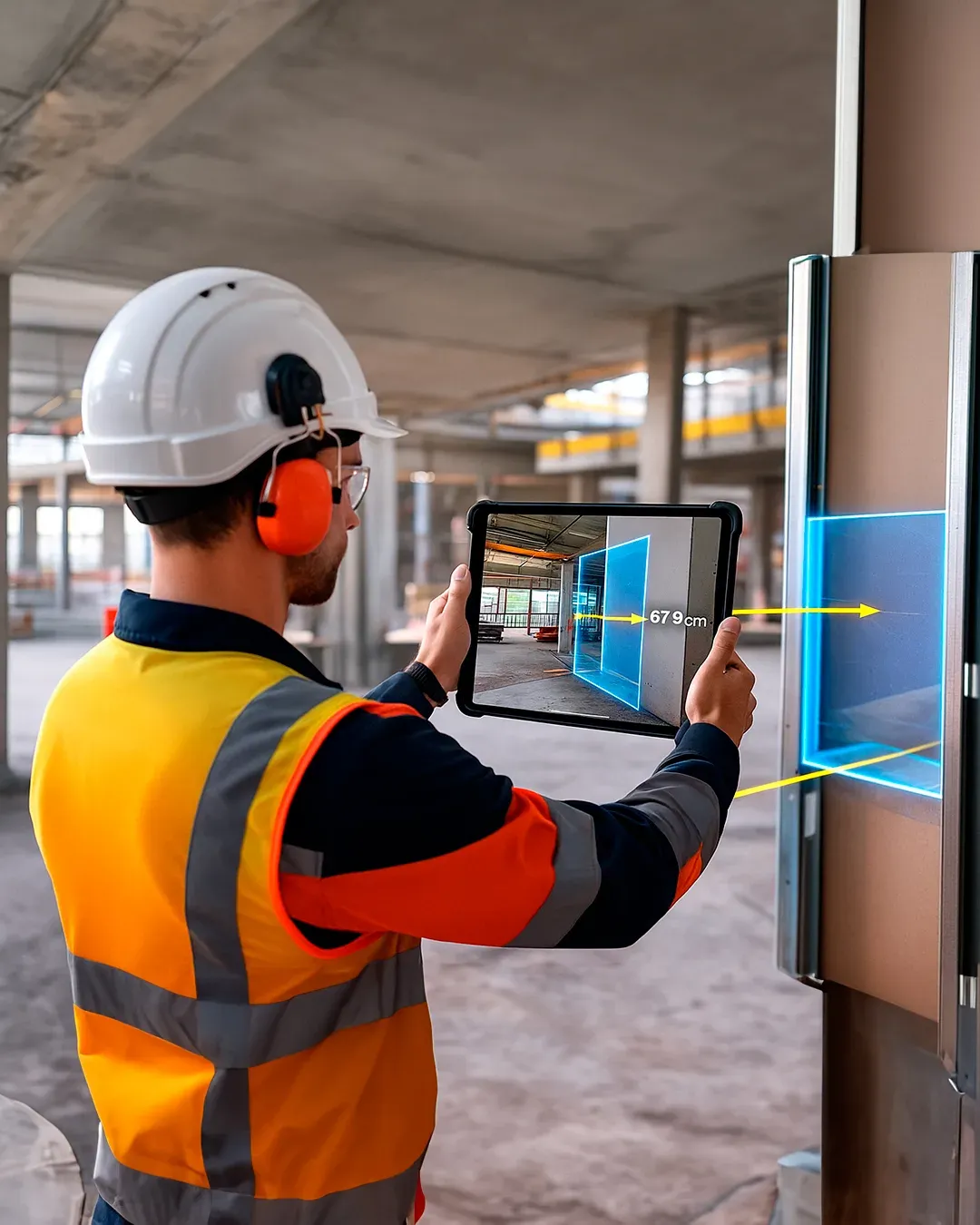
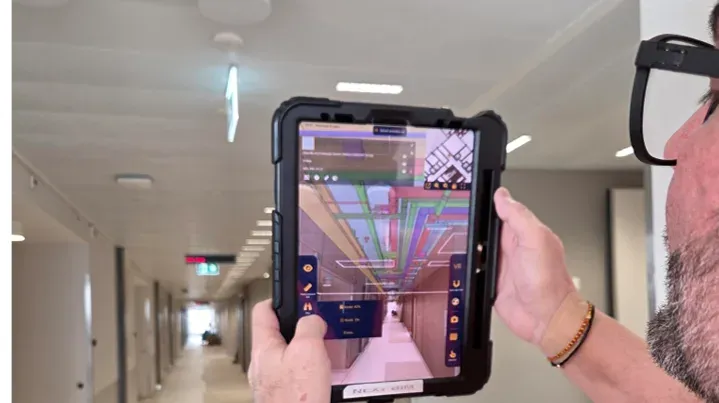
NEXT-BIM technology automatically aligns the 3D model with the real environment, without markers or manual calibration. Alignment is continuous. The overlay remains reliable and accurate throughout the visit, even when moving around the site.
Step 2 – Compare design vs execution
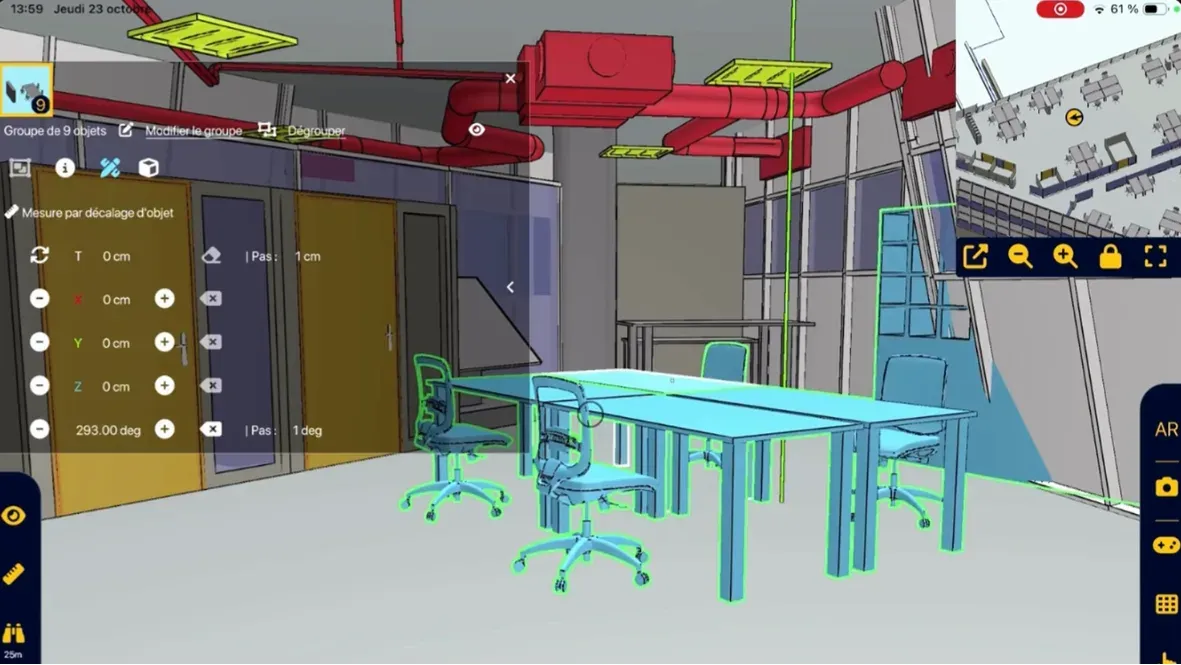
The user visually compares the model to reality at 1:1 scale. Differences in reservations, equipment, networks, clearances or heights become immediately visible, without interpreting drawings.
Step 3 – Annotate and measure on site
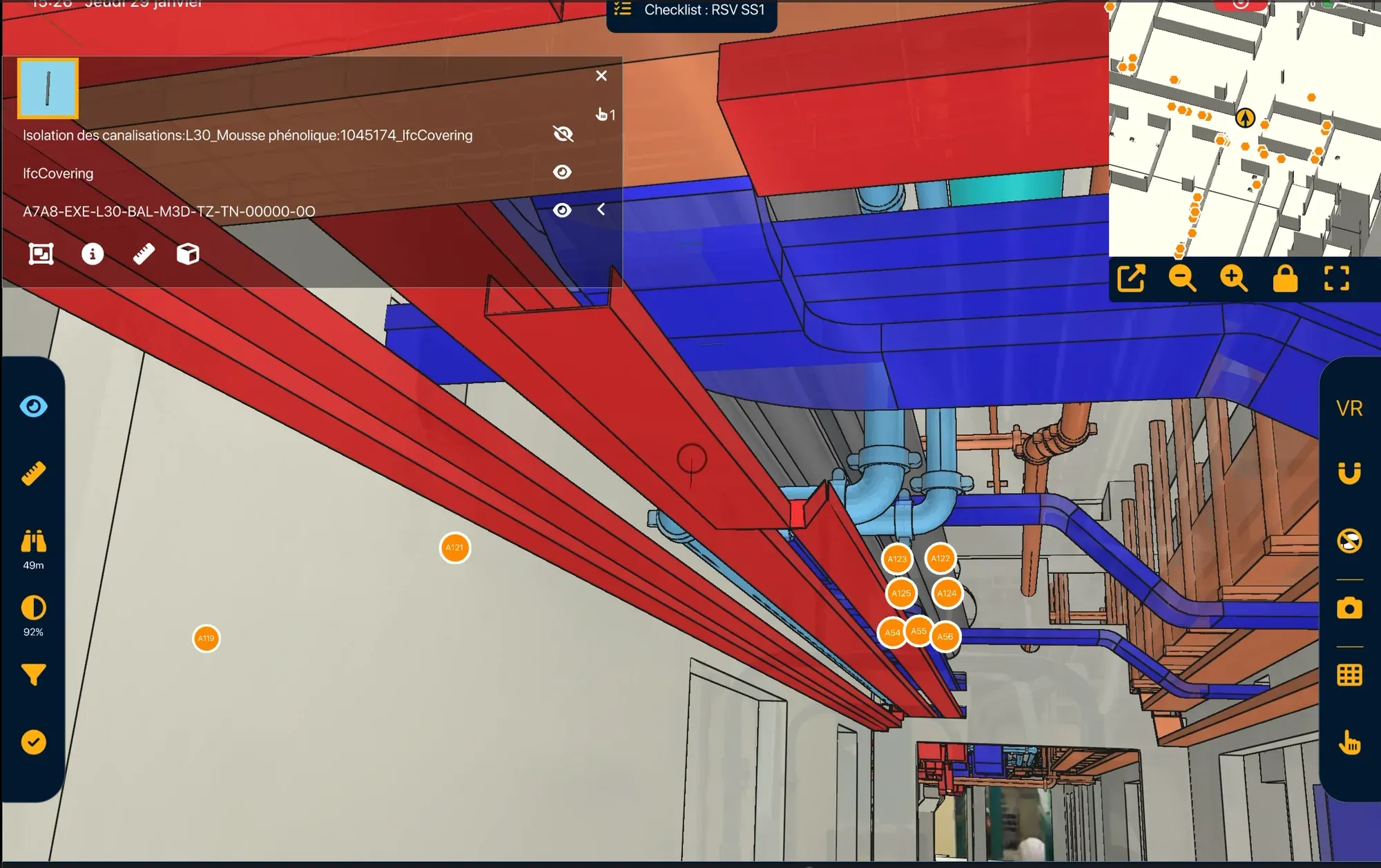
When a discrepancy is detected, an annotation is created immediately on site. Issues are documented and georeferenced directly within the 3D model. Annotations include photos, comments, statuses and precise measurements of differences between the model and reality.
Step 4 – Generate and share reports
Annotations are automatically exported into reports (BCF, Word, Excel). Deliverables are ready to be shared.
Reliable technology, compatible with your tools
- Unique alignment technology
- Supported formats: IFC, NWD
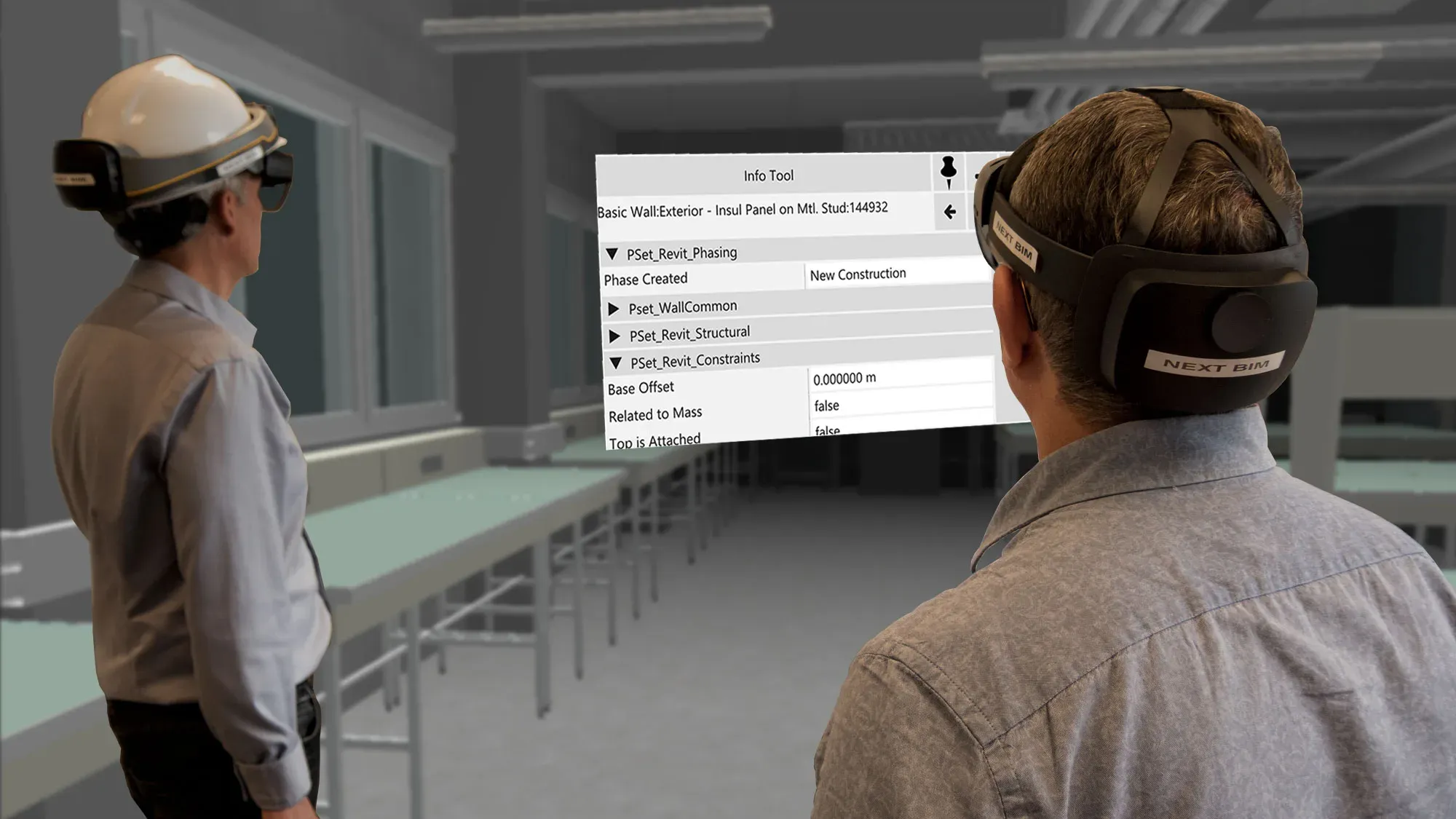
- Devices: iPad Pro, HoloLens 2
- Offline mode
- openBIM compatible
- No data stored in the cloud
Tools designed to act directly on site
Designed for handover phases, NEXT-BIM features simplify and secure OPR. Thanks to Augmented Reality overlay, NEXT-BIM transforms OPR into a clear, fast and objective process, understood by everyone.
This is the first time we have carried out OPR this quickly and with such clarity. Augmented Reality makes it possible to immediately see what is missing or does not match the model.
Kantonsspital Aarau: How Digital Continuity Connects Construction, As-Built BIM and Maintenance
At Kantonsspital Aarau, general contractor Implenia used NEXT-BIM for construction monitoring and as-built verification in augmented reality. Through its connection with the LIBAL common data environment, the BIM model is now also available to maintenance teams during hospital operation.
FAQ
Can the view be filtered by trades?
Yes, it is possible to filter the model display by trades in order to focus only on the desired elements.
Can annotation groups be created by trades?
Yes, annotations can be organized and grouped by trades for more structured tracking.
Are annotations geolocated in the model?
Yes, annotations are geolocated directly in the model through the BCF format. They can also be exported in Word or Excel formats.