Progress tracking
Monitor site progress in real time, directly on site
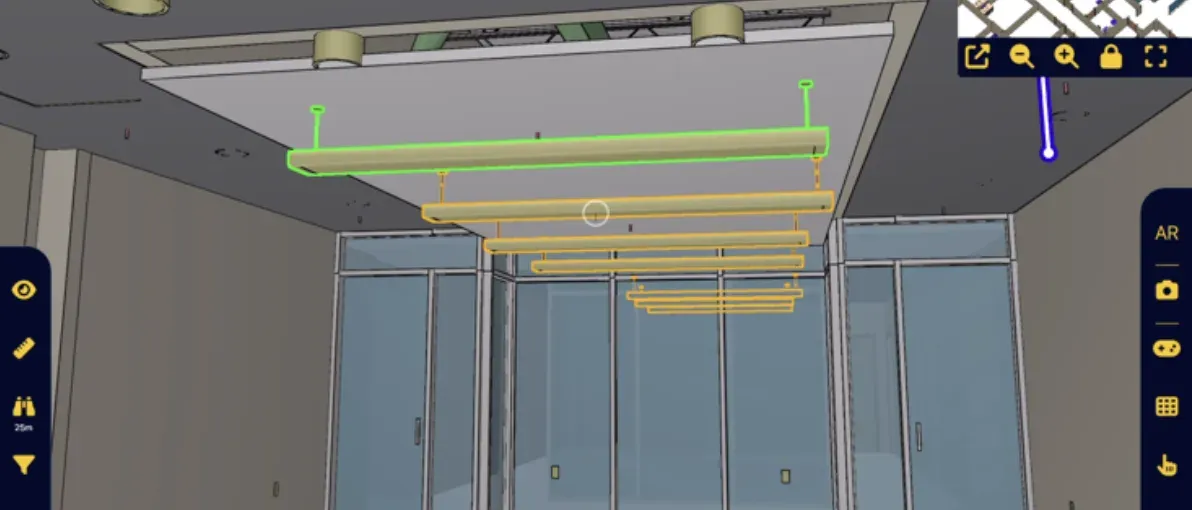
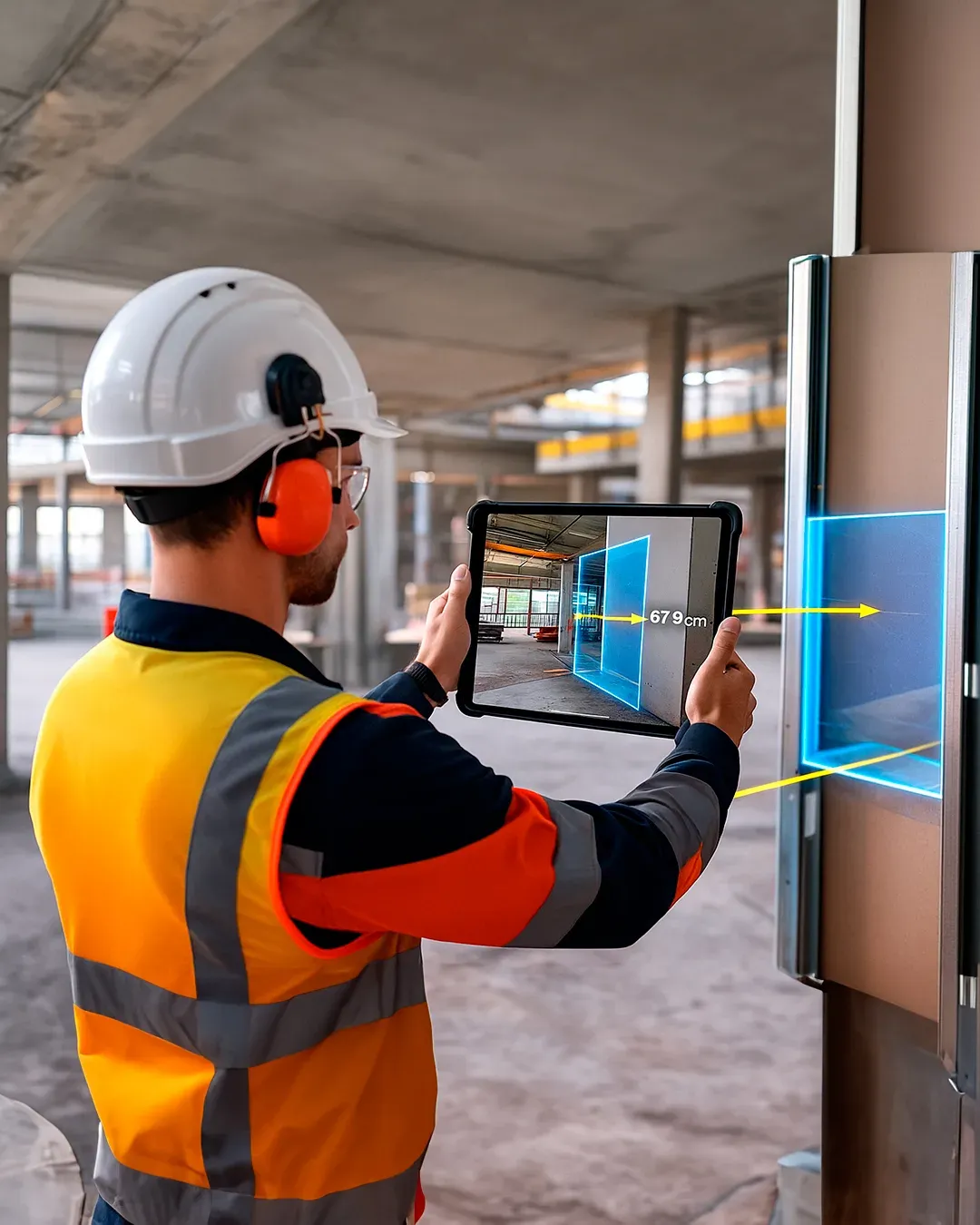
With the NEXT-BIM Augmented Reality solution, overlay the 3D model onto reality and instantly identify what has been built and what remains to be done. Move from declared progress to verified progress.
Quantified progress
Each installed element is identified in the model, by zone, lot or phase, making it possible to calculate a real progress percentage that is factual and verifiable. Progress status is no longer estimated.
Schedule control
Zone by zone and lot by lot, teams immediately visualize delays, blockages or advanced zones. Corrective actions can be triggered to avoid impacting the schedule.
Budget control
The percentage of actual progress becomes an objective basis for invoicing and payments. Fewer disputes, fairer payments, and better control over the work situation.
Shared visibility
Progress monitoring relies on shared visual evidence generated from the model-to-reality overlay. All stakeholders share the same understanding of progress, without interpretation.
Why monitor progress using Augmented Reality?
Today, progress tracking on construction sites remains largely estimated. Progress percentages are often declared approximately.
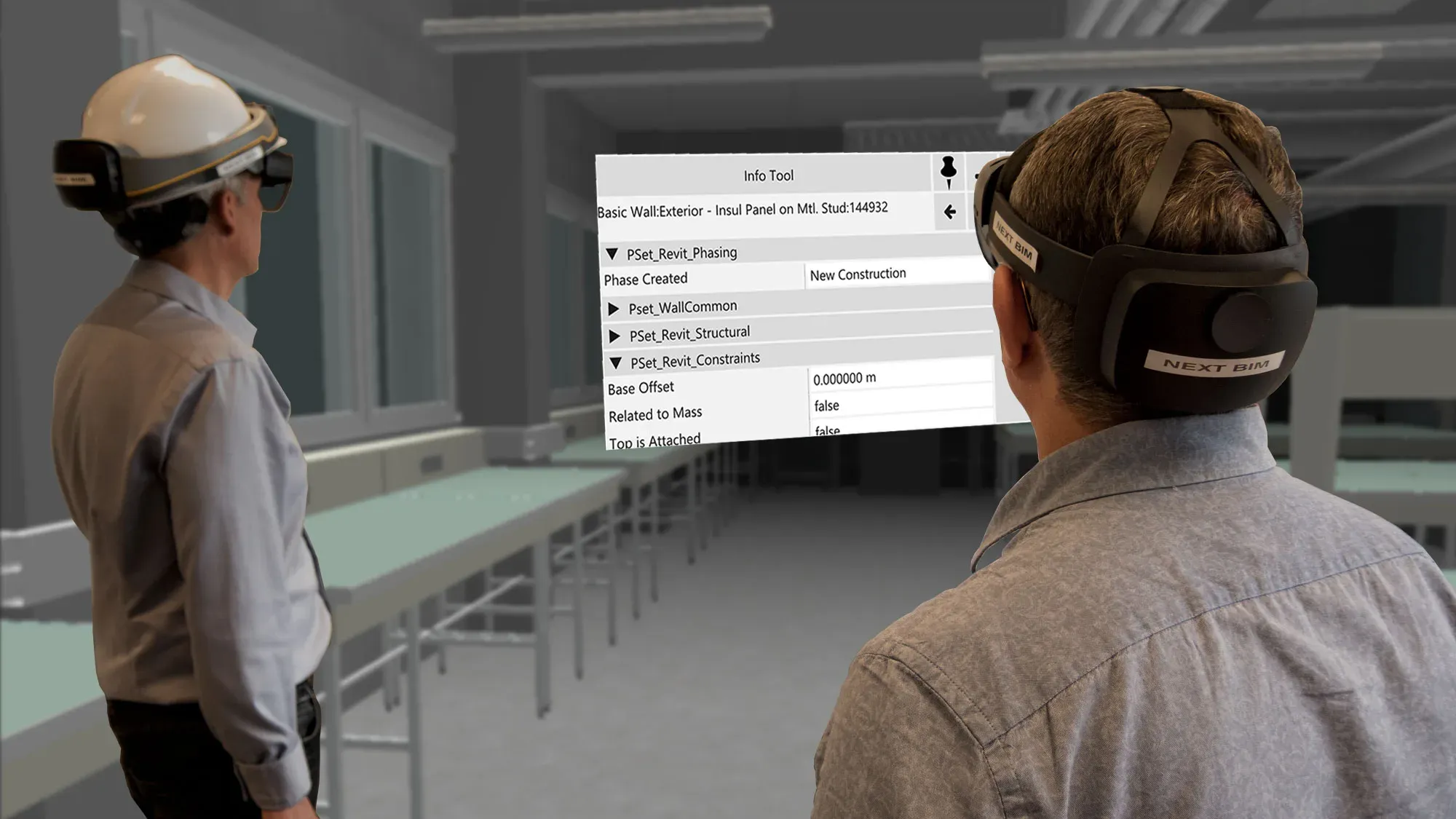
With the NEXT-BIM Augmented Reality solution, progress becomes visible, measurable and shared directly on site. The BIM model overlaid onto reality makes it possible to instantly see what has been built, what is in progress and what remains to be done, at 1:1 scale. Each model element is associated with a clear status and phase (e.g.: installation / insulation / finishing).
NEXT-BIM instantly calculates a real progress percentage, by zone, by lot or by phase, based on installed elements. Progress tracking no longer relies on declarations but on usable visual evidence in real time for planning, coordination and payment management.
Design phase

On site
Progress tracking: better traceability, control of budgets and schedule.

Maintenance phase
Progress tracking: control of schedule and planning.

How does it work?
Workflow of a progress tracking session with NEXT-BIM
NEXT-BIM enables real-time progress tracking using augmented reality, without complex preparation. Here are the key steps of the process:
Step 1 – Overlay the 3D model onto reality
NEXT-BIM technology automatically aligns the 3D model with the real environment, without markers or manual calibration. Alignment is continuous. The overlay remains reliable and precise throughout the visit, even while moving on site.
Step 2 – Visualize site progress
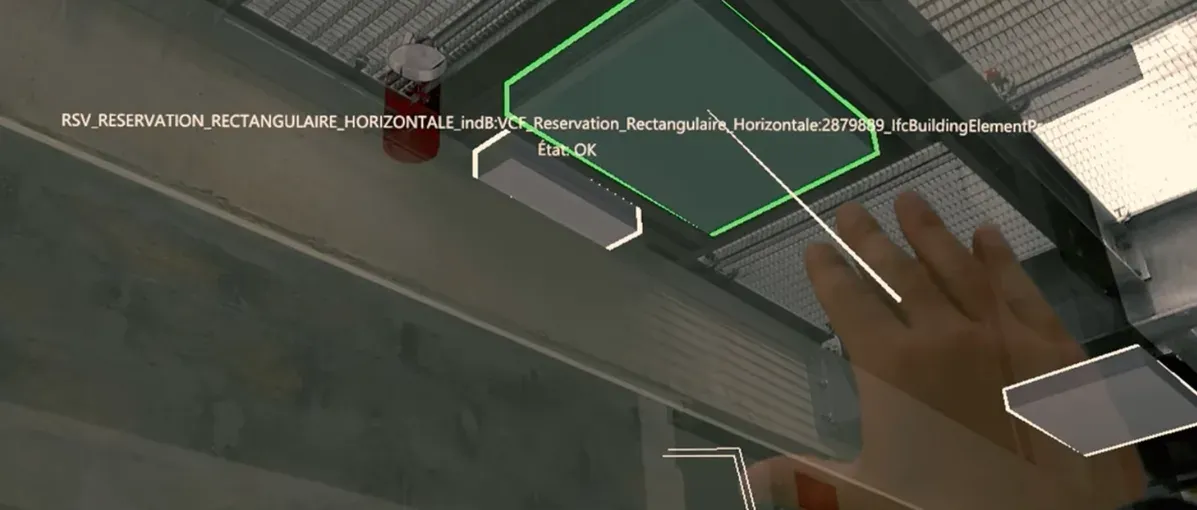
Compare installed elements on site with the BIM model overlaid onto reality to verify progress status on site.
Step 3 – Qualify progress
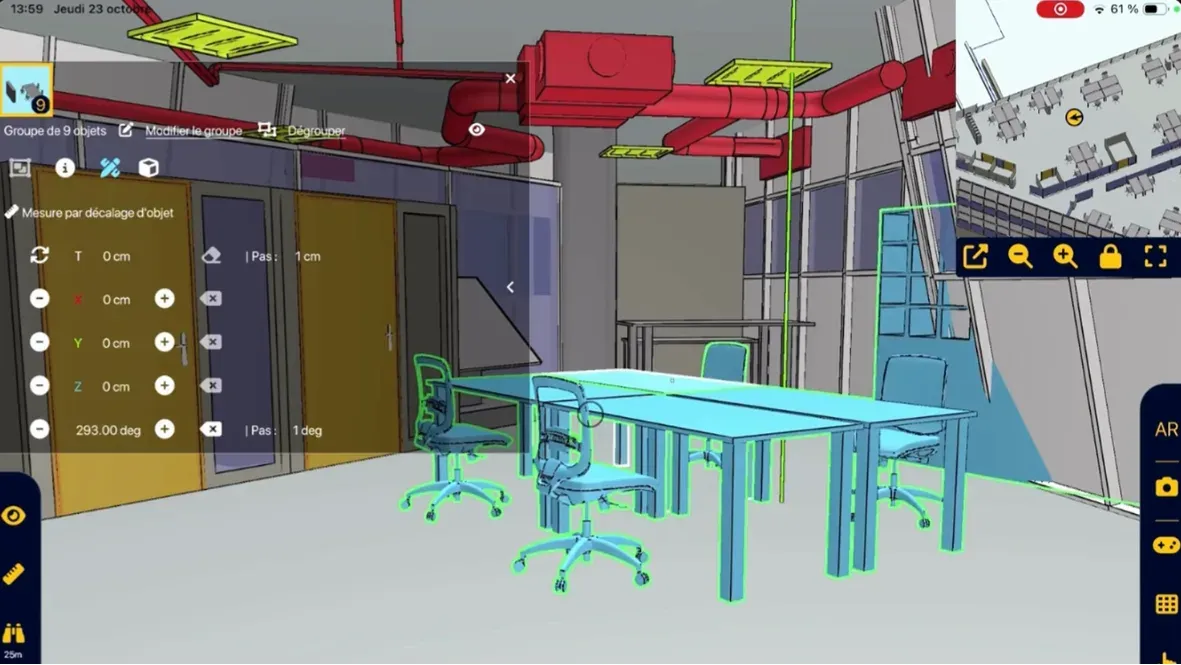
Define custom progress indicators adapted to your operational needs. Highlight installed objects to update their progress status. Automatically calculate progress percentage by zones and lots.
Step 4 – Export a progress report
Generate a report including progress percentages in Word or BCF format.
Reliable technology, compatible with your tools
- Unique alignment technology
- Supported formats: IFC, NWD
- Devices: iPad Pro, HoloLens 2
- Offline mode
- openBIM compatible
- No data stored in the cloud
Tools designed to act directly on site
NEXT-BIM functionalities have been designed to make progress tracking simple, visual and undeniable, enabling teams to determine in real time what is completed, in progress or pending. Each status evolves in real time and reports are automatically generated.
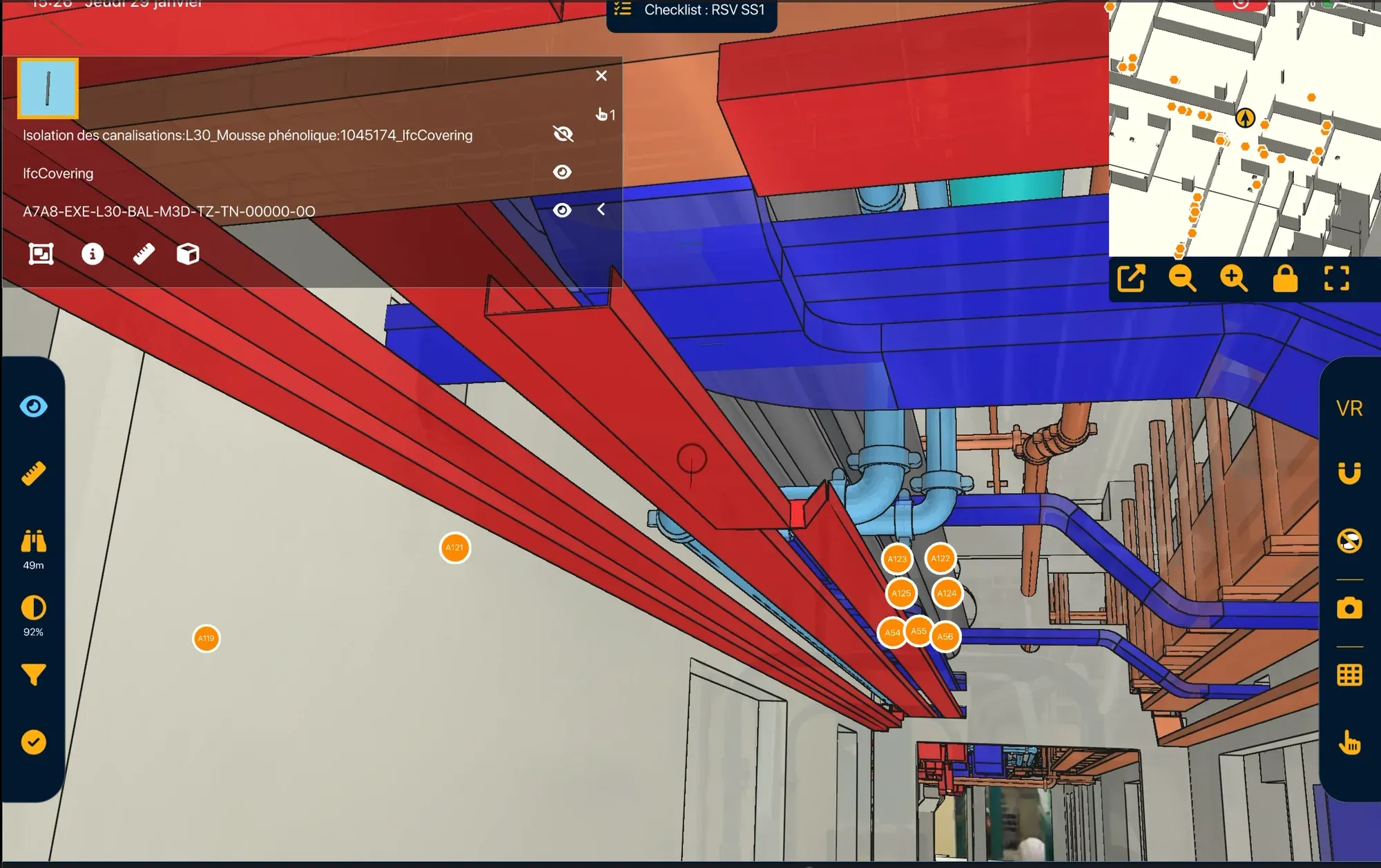
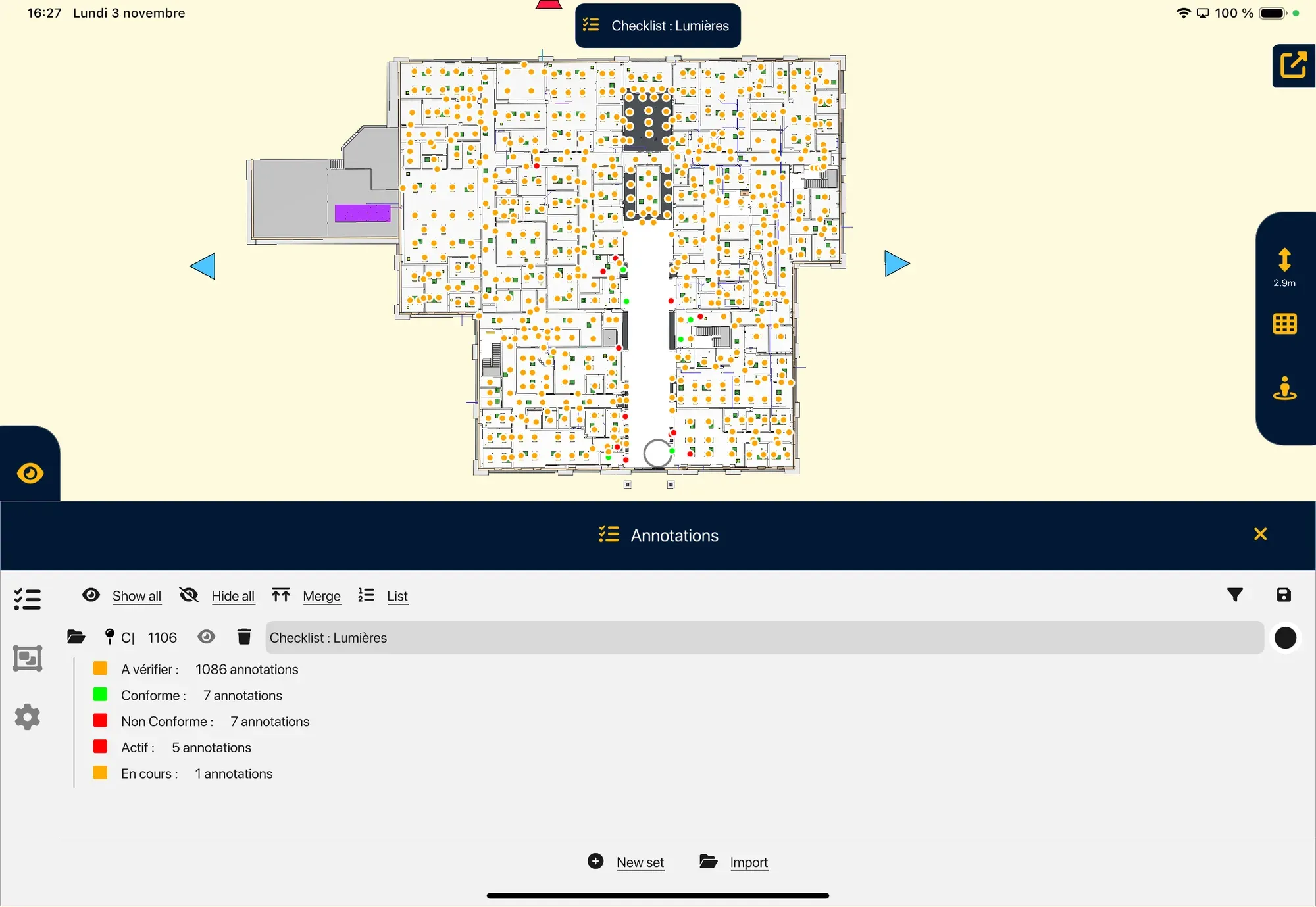
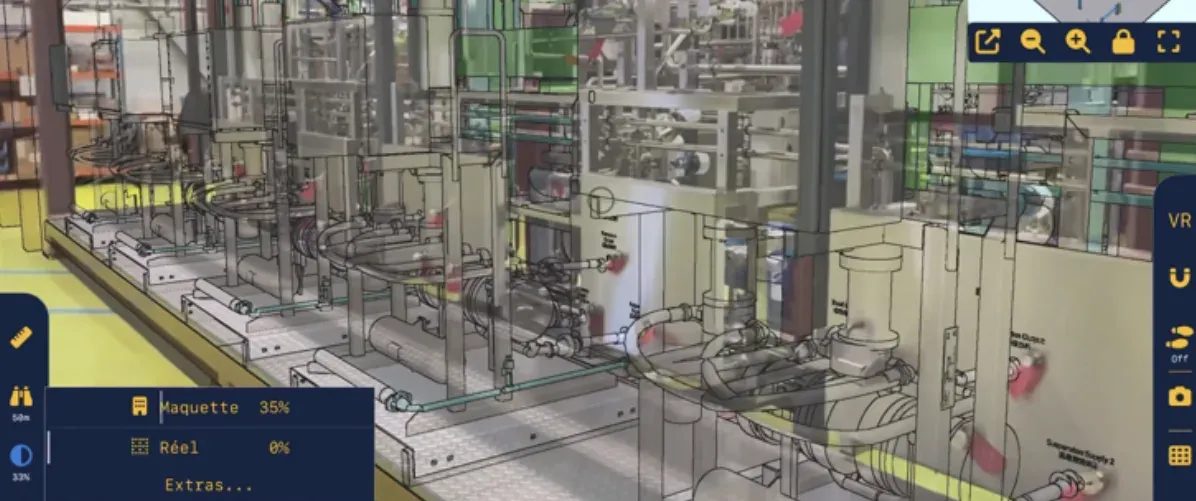
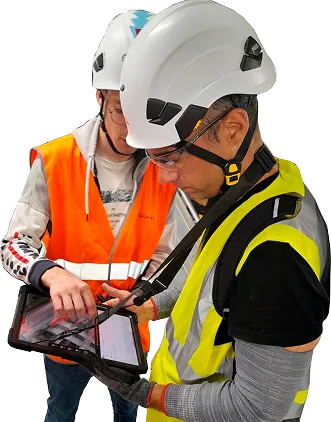
Thanks to the NEXT-BIM solution, I was able to bring my digital model onto the construction site to detect non-compliance and report it to the relevant stakeholders. Tools such as the checklist or measurement features help streamline the process and collect more data in a single site inspection. This solution has truly convinced me, and its evolution continues to meet my expectations.
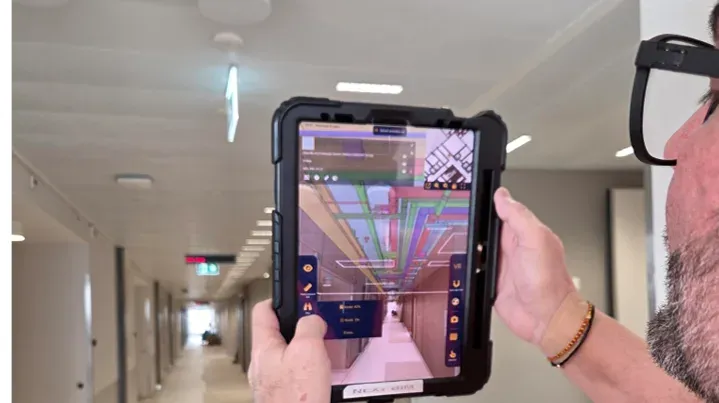
Kantonsspital Aarau: How Digital Continuity Connects Construction, As-Built BIM and Maintenance
At Kantonsspital Aarau, general contractor Implenia used NEXT-BIM for construction monitoring and as-built verification in augmented reality. Through its connection with the LIBAL common data environment, the BIM model is now also available to maintenance teams during hospital operation.
FAQ
Can multiple zones be monitored simultaneously?
Yes, each zone can be annotated independently with its own status.
Are annotations time-stamped?
Yes, they are time-stamped and integrated into the exported report.
Can filtering be applied by trade packages or companies?
Yes, thanks to built-in filters.
Is BIM expertise required to use it?
No, the application is designed for field teams.